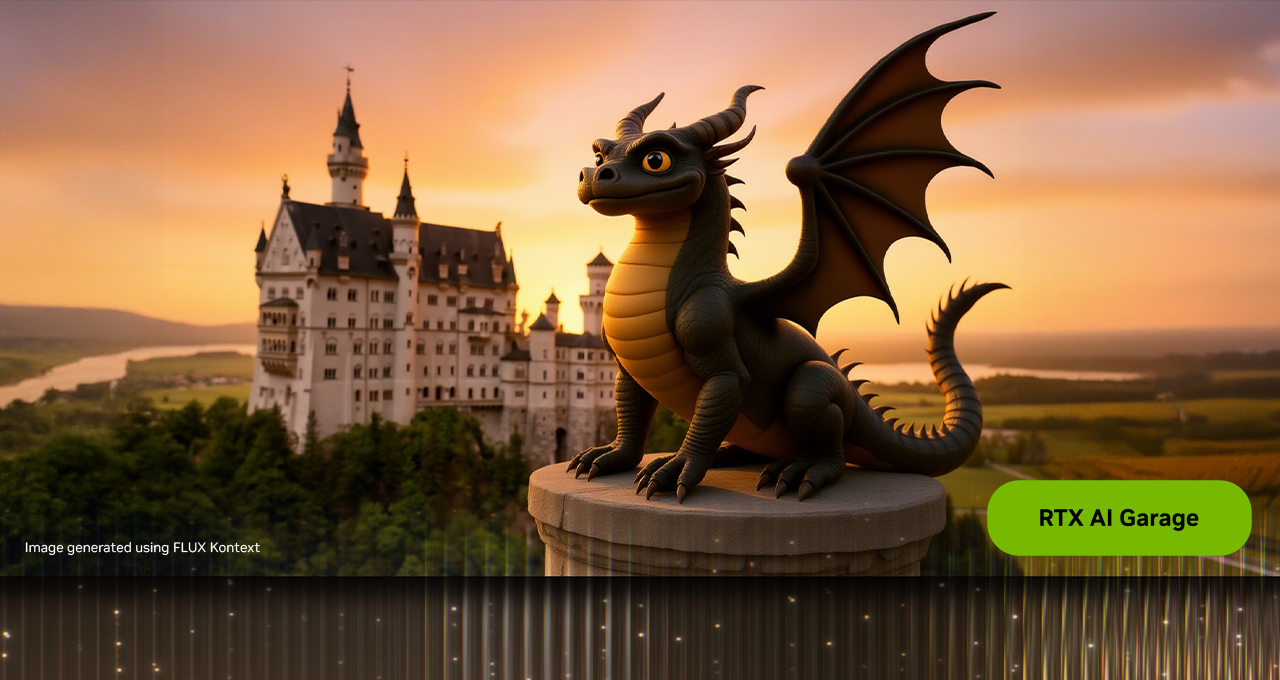
Okay friends, if you've been keeping up with AI image generation lately, you already know that FLUX models from Black Forest Labs are kind of a big deal. But the latest development has me genuinely excited: NVIDIA and Black Forest Labs have teamed up to optimize FLUX.1 Kontext with TensorRT acceleration, delivering over 2x faster performance on RTX GPUs. And you can download it right now.
Let me break down what this means for you as an AI artist, why it matters, and how to actually take advantage of it.
What is FLUX.1 Kontext, Exactly?
FLUX.1 Kontext is a family of instruction-based image editing models from Black Forest Labs. Unlike standard text-to-image models where you generate something from scratch every time, Kontext lets you start from an existing image and edit it using plain language instructions. Tell it "change the background to a sunset beach" or "make her hair red" and it surgically modifies just that part while leaving everything else untouched.
The really cool part is character consistency. If you have a character you love, Kontext can move them into completely different scenes while keeping them looking like the same person. It preserves text styling when you change words, handles multiple sequential edits, and does all of this without needing any fine-tuning or complicated ControlNet setups. Just load your image, type what you want changed, and you get results in about 6 to 12 seconds per edit.
There are three versions available: Kontext Pro (balanced quality and speed), Kontext Max (highest quality with best prompt adherence), and Kontext Dev (the open-weights version you can run locally). The Dev model is the one that just got the NVIDIA optimization treatment, and that is where things get really interesting for us.
The NVIDIA RTX Acceleration Breakdown
Here is what NVIDIA and Black Forest Labs actually did. They took the FLUX.1 Kontext Dev model and optimized it in two major ways: quantization and TensorRT integration.
The numbers that matter:
Original model size: 24GB VRAM
FP8 optimized (RTX 40 Series): 12GB VRAM
FP4 optimized (RTX 50 Series): 7GB VRAM
Performance boost with TensorRT: Over 2x faster vs. PyTorch BF16
The quantization is the hero here. The original FLUX.1 Kontext Dev model needs 24GB of VRAM, which basically means only RTX 4090 owners could comfortably run it. By compressing the model to FP8 precision, they cut the VRAM requirement in half to 12GB, making it accessible on RTX 4070 Super, RTX 4080, and similar cards with 12GB or more VRAM. That is a massive accessibility upgrade.
For folks rocking the new RTX 50 Series GPUs with Blackwell architecture, there is an even more aggressive FP4 quantized checkpoint that squeezes the model down to just 7GB. This uses a technique called SVDQuant that preserves image quality while dramatically reducing model size. Running a 12 billion parameter image editing model in 7GB of VRAM is genuinely impressive.
On top of the quantization, TensorRT optimizes how the model actually runs on your GPU's Tensor Cores. The result is over 2x acceleration compared to running the standard BF16 model with PyTorch. So you are getting both smaller memory footprint and faster generation times. Win-win.
How to Actually Use This
The optimized model is available on Hugging Face in both Torch and TensorRT variants. For most AI artists, the easiest path is through ComfyUI, which has native support for FLUX.1 Kontext workflows.
Getting Started with ComfyUI
If you already have ComfyUI set up with FLUX workflows, you are halfway there since Kontext uses the same VAE and text encoders. Here is the quick version:
- Download the FLUX.1 Kontext Dev model from Hugging Face and place it in your ComfyUI/models/diffusion_models folder
- If you have 12GB or less VRAM, grab the FP8 text encoder (t5xxl_fp8_e4m3fn_scaled). For higher VRAM, use the FP16 version
- In ComfyUI, go to Workflow, then Browse Templates, then FLUX, and select the Kontext Dev workflow
- For even better inference speed, check out the GGUF variant through the ComfyUI-GGUF custom node by city96
On an RTX 4090, expect generation times around 20 seconds per image with the standard Torch variant. With TensorRT optimization enabled, that should drop significantly thanks to the 2x acceleration boost.
Why This Matters for the AI Art Community
This is one of those developments that shifts who can participate in high-end AI image creation. Before this optimization, running FLUX.1 Kontext locally required a top-tier GPU with 24GB of VRAM. Now, anyone with a mid-range RTX 40 Series card can run it. That is a fundamental change in accessibility.
For AI artists who do character work, this is especially significant. The ability to maintain character consistency across scenes, edit specific details without regenerating entire images, and iterate quickly on compositions is incredibly valuable. Having that power run locally on your own hardware, without relying on cloud APIs or paying per-generation fees, gives you creative freedom that cloud-only solutions simply cannot match.
The instruction-based editing approach also changes the workflow dramatically. Instead of the old cycle of "generate, hate the background, regenerate everything, lose the face you liked," you can now keep what works and fix what does not. It is a more natural, iterative creative process that feels closer to how actual editing should work.
Quick Tips for Best Results
After experimenting with Kontext, here are some practical suggestions:
- Be specific with your edit instructions. "Change the shirt to a red flannel" works better than "change the clothes"
- Use sequential edits for complex changes. Do one thing at a time rather than cramming five changes into one prompt
- Start with high-quality source images. Kontext preserves what you give it, so garbage in still means garbage out
- If you have a 12GB card, use the FP8 checkpoint. The quality difference is minimal and you will actually be able to run it
- Consider the GGUF variant if you are on a lower VRAM budget, as it can provide better inference speed on constrained hardware
The Bottom Line
FLUX.1 Kontext with NVIDIA RTX acceleration is one of the most practical advances in local AI image editing we have seen in 2025-2026. The combination of halved VRAM requirements, doubled performance, and genuinely useful instruction-based editing makes this a must-try for anyone serious about AI art creation. The fact that it is available right now on Hugging Face, ready to drop into ComfyUI, means there is no reason not to experiment with it this week.
Black Forest Labs and NVIDIA working together on optimization like this is exactly what the AI art community needs. Less gatekeeping, more accessibility, faster performance. If you have an RTX 40 or 50 Series GPU, go download it and start playing. You will not be disappointed.
Happy creating!